Creating Your First Message: A Complete Walkthrough
Setting up your first message on LastReach takes less than 15 minutes and there's no perfect thing to say, only the things you'd regret leaving unsaid. This walkthrough covers every step, plus practical tips to help you feel good about what you've prepared.
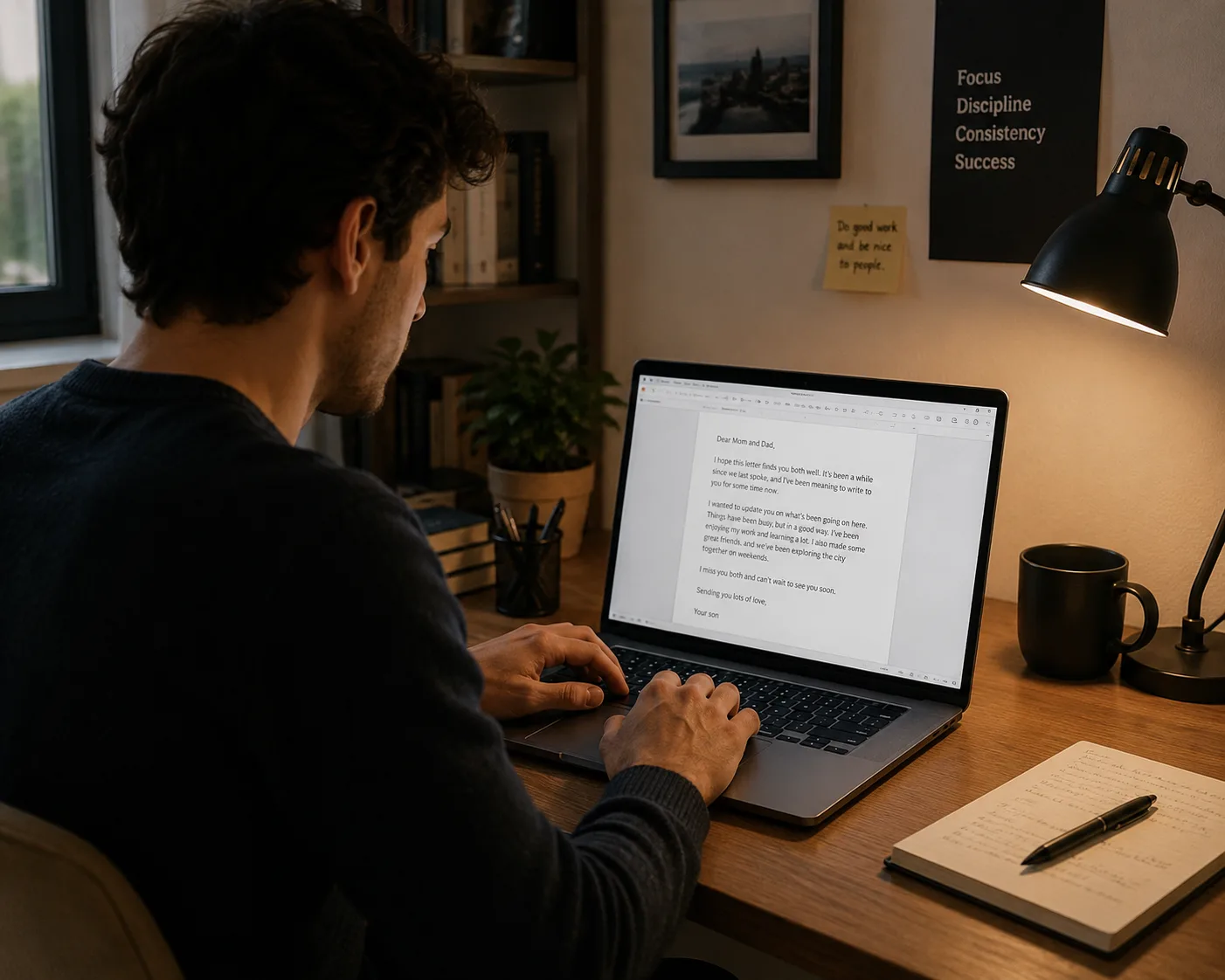
Your first message doesn't need to be perfect, it needs to exist. Once it does, everything else falls into place.
Most people spend years meaning to write something down for the people they love. A plan, a password, a reassurance, a story. LastReach gives you a structured way to do exactly that and this walkthrough will take you through the entire process, from your very first login to a message that's ready to go whenever it needs to be.
Why the First Message Is the Hardest One
Preparation tasks that involve imagining our own absence tend to trigger something psychologists call mortality salience a heightened awareness of vulnerability that causes avoidance rather than action.[1] In other words, the reason you've been putting this off isn't laziness. It's a deeply human response.
Understanding that helps. So does knowing that roughly 65% of adults report postponing this kind of preparation for more than a year, even when they consider it important.[2]
The good news: once you write the first sentence, the rest moves quickly. In our experience, users who complete their first message describe the process as lighter than they expected, less like confronting something frightening and more like putting something heavy down.
What Does a LastReach Message Actually Do?
Before you start typing, it helps to understand what's happening under the hood. LastReach is a proof-of-life messaging platform. That means:
You prepare messages in advance and store them securely.
LastReach periodically checks in with you to confirm you're reachable.
If you stop responding to check-ins for a period you define, the platform delivers your messages to the recipients you've chosen.
As long as you keep responding, your messages stay private — only you can see or edit them.
You're not writing a document that sits in a drawer. You're setting up a living, editable message that will reach the right person at exactly the right moment, without any extra action from anyone else.
How Long Does Setup Actually Take?
For a single message addressed to one recipient, most users complete the full setup: account creation, message drafting, recipient confirmation, and check-in preference in under 15 minutes. If you're preparing multiple messages for different people, plan for about 30–45 minutes for the initial session. You can always save a draft and return.
Research on digital task completion suggests that breaking a new behavior into a session under 20 minutes dramatically increases the likelihood that someone will finish it rather than abandon it mid-flow.[3] That's why we've designed the first-message flow to be completable in a single focused sit-down.
Step 1: Open a New Message and Choose Your Recipient
After logging in, navigate to Messages → New Message. The first field you'll see asks who should receive this message.
Enter the recipient's name and at least one delivery channel, email is the most reliable primary channel, and you can add a phone number for SMS as a fallback or parallel message to add that valuable double notification. We recommend adding a second channel whenever possible: 35% of personal emails go unread within 72 hours in non-urgent contexts, so a layered delivery approach matters.[4] as well as adding more than 1 recipient to the email message.
Tip: Start with the person whose reaction concerns you most. Your partner, a parent, a child, a business co-founder. Getting that message drafted first tends to unlock the others.
Step 2: Choose Your Message Format
LastReach currently supports three message formats:
Format | Best for | Length guidance |
|---|---|---|
Text | Instructions, account info, personal notes | Any length; no upload needed |
Video | Personal expressions, stories, tone that text can't carry | Under 10 minutes recommended |
File attachment | Documents, photos, signed letters, spreadsheets | Size may vary according to your plan |
For your first message, we recommend starting with text. It's the fastest to complete, easiest to edit later, and works across every device your recipient might use. You can always add a video attachment in a second pass.
What Should You Actually Write?
This is the question everyone arrives at and the one most likely to cause a blank-page freeze. Here's what we tell every new user: there is no wrong message.
What matters is that the message exists. A three-sentence note saying where important documents are kept is infinitely more useful to your family than the perfectly worded letter you never finished. A short video of you explaining your home insurance policy will matter more to your partner than a polished speech you never recorded.
That said, here are some starting points that users consistently find helpful:
The Practical First Message
If you're not sure where to start emotionally, start practically. Cover:
Where to find key documents (will, insurance policies, property deeds)
Financial account access or the location of a secure password record
Any subscriptions or recurring payments to cancel
One or two people your recipient should contact
The Personal First Message
Some people find it easier to start with feeling rather than logistics. A few prompts that tend to unlock the words:
What do you want this person to know about how you feel about them?
What's a story about the two of you that you'd want them to have in writing?
Is there something you've always meant to say but haven't quite found the moment?
What do you hope for them, in the years ahead?
The Combined Message
Many users find that their best messages begin with one practical paragraph (the what you need to know) and end with one personal paragraph (the what I want you to feel). This structure gives the recipient both utility and warmth, neither is more important than the other.
A note on length: Studies on condolence and legacy letters suggest that recipients value specificity over length, a single concrete memory or specific detail of care lands harder than several paragraphs of general sentiment.[5] Two hundred honest words will always outperform eight hundred careful ones.
Step 3: Set Your Check-In Frequency
Once your message is drafted, you'll configure how often LastReach checks in with you (You can also configure your check-ins first, that's up to you). This is the mechanism that ensures your messages only reach your recipient when they truly need to.
Check-in options range from hours to monthly. A few guidelines:
Solo travelers and adventurers often choose weekly or bi-weekly check-ins for active trips, switching to monthly during settled periods.
Founders and professionals with time-sensitive business continuity messages often prefer weekly cadences.
Most general users find a 30-day check-in comfortable, enough runway that a missed check-in due to travel or illness doesn't trigger unnecessarily, but frequent enough to feel meaningful.
You can change this setting at any time. Your Check-ins are never locked in.
Step 4: Review, Save, and Breathe
Before you save your message, read it once to confirm it says what you mean. Then hit Save.
That's it. Your message is now protected, encrypted, active and waiting, not because anything is wrong, but because you've chosen to be prepared. That's a different feeling than most people expect. It tends to feel like relief.
What Happens After You Save?
Your check-in schedule begins immediately. At your chosen interval, LastReach will send you a short prompt, a single tap or click confirms you're reachable. As long as you respond, nothing changes. Your messages remain waiting.
You can return to edit, add, or delete messages at any time from your dashboard. Many users add a second message within the first week. Some build an entire library over months, practical notes, personal letters, video recordings, documents for different people and different situations.
You might find that the process becomes something you look forward to rather than something you avoid. Preparation has a way of doing that...once you start, the weight lifts.
How Often Should You Update Your Messages?
We recommend reviewing your messages at least once a year, a birthday, an anniversary, or the new year works well as a natural trigger. You should also revisit them after major life changes: a move, a new child, a change in financial situation, a shift in your business structure.
Your LastReach messages should be living documents, not one-time artifacts.
Sources
https://www.legalzoom.com/articles/estate-planning-statistics
https://www.bncjlaw.com/posts/more-than-two-thirds-of-americans-do-not-have-an-estate-plan#
Foundational Source: Sweller, J. (1988). Cognitive load during problem solving: Effects on learning. Cognitive Science, 12(2), 257-285
Frequently asked questions
How long should my first LastReach message be?
There's no minimum or maximum. A focused 200-word message with specific details will serve your recipient better than a lengthy one you agonize over. Start short, save it, and add more later if you want to.
Will my recipient know I've set up a message for them?
They'll receive a brief confirmation email verifying their address is valid. They won't see any message content — only that you've listed them as a recipient. The message itself remains completely private until delivered.
What happens if I miss a check-in by accident?
LastReach sends multiple reminders before any delivery is triggered. A single missed check-in due to travel or a busy day won't cause your messages to send. You control the grace period when you set up your check-in frequency.
Can I create messages for more than one person?
Yes. You can create as many messages as you like, each addressed to a different recipient. Many users maintain separate messages for a partner, a parent, a sibling, and a business collaborator — all with different content.
What's the best format for a first message — text, video, or a file?
Text is fastest to set up and works on any device. We recommend starting there and adding a video or file attachment in a follow-up session once your core message is drafted and saved.
Can I edit my message after I've saved and activated it?
Yes, always. Your messages are never locked. Log in any time to update wording, change recipients, switch delivery channels, or adjust your check-in schedule. Treat your messages as living documents.

LastReach Team
The team behind LastReach — building tools that help people leave words behind for the people they love.
Start preparing your messages today
LastReach makes it simple to write important messages now and have them delivered to the right people, exactly when they need to arrive.
Get started — it's free